Online Training Sessions at Tusua Academy
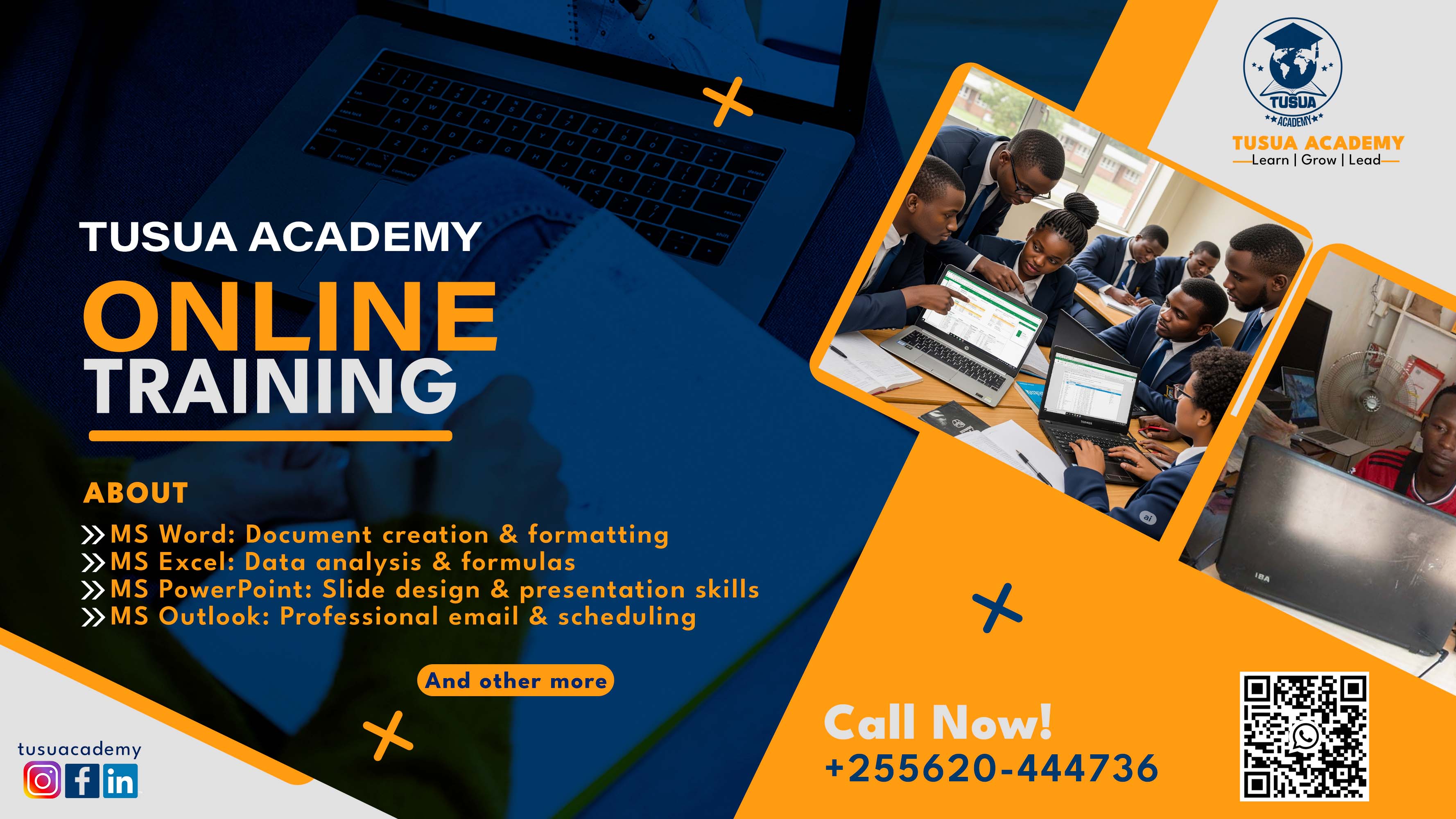
Online Training Sessions at Tusua Academy
Building Practical Digital Skills for the Modern Workplace
Tusua Academy is pleased to introduce its Online Training Sessions in the Microsoft Office Suite, purpose-built to equip learners with job-ready, practical skills that directly translate into workplace performance. These sessions are strategically designed to support beginners, intermediate users, and advanced professionals, ensuring measurable skill progression at every stage.
Why Choose Tusua Academy Online Training?
In today’s digital-first environment, proficiency in Microsoft Office is not optional—it is a core competency. At Tusua Academy, we go beyond theory. Our training is hands-on, outcome-driven, and aligned with real-world business scenarios.
Participants will:
• Gain practical, applicable skills through guided exercises and live demonstrations
• Work on real-life projects and case-based tasks
• Learn from experienced, industry-focused trainers
• Access flexible online sessions that fit professional and academic schedules
Our value proposition is simple: learn today, apply tomorrow.
Training Coverage: Microsoft Office Suite
Our curriculum is structured into Beginner, Intermediate, and Advanced levels, allowing learners to enter at the right point and scale confidently.
1. Microsoft Word
• Beginner: Document creation, formatting, tables, and basic layouts
• Intermediate: Styles, templates, references, and professional reports
• Advanced: Automation, advanced formatting, long documents, and collaboration tools
2. Microsoft Excel
• Beginner: Data entry, basic formulas, formatting, and simple charts
• Intermediate: Functions, data analysis, conditional formatting, and dashboards
• Advanced: PivotTables, advanced formulas, data modeling, and automation concepts
3. Microsoft PowerPoint
• Beginner: Slide creation, themes, and basic presentations
• Intermediate: Visual storytelling, animations, and professional layouts
• Advanced: High-impact presentations, advanced design techniques, and delivery mastery
4. Microsoft Publisher
• Beginner: Basic publications, flyers, and layouts
• Intermediate: Branding, brochures, and marketing materials
• Advanced: Professional publishing, print-ready designs, and advanced layout control
Our Training Approach
Tusua Academy adopts a results-oriented learning model:
• Live instructor-led sessions
• Step-by-step practical exercises
• Continuous assessment and feedback
• Emphasis on competence, confidence, and productivity
By the end of each level, learners will not only understand the tools—but will be able to use them efficiently in professional environments.
Who Should Enroll?
• Students preparing for the job market
• Professionals seeking to upskill or reskill
• Entrepreneurs and small business owners
• Anyone aiming to improve digital efficiency and workplace output
Our Assurance
Tusua Academy is committed to delivering measurable learning outcomes. Every participant leaves with:
• Strong practical competence
• Increased confidence in using Microsoft Office tools
• Skills aligned with current workplace expectations
This is not just training—it is capacity building with impact.
Enroll today and transform your digital skills with Tusua Academy.
Empowering learners. Driving productivity. Delivering excellence.